

Purpose: Allows you to modify and customize the Active Info Display / Virtual Cockpit / ODB with a particle effect or checkerboard pattern. (For AID v1 and also the analog gauge on the color ODB screen)
Procedure:
1 – Engine off, ignition off, connect your official VAG-COM VCDS cable to the computer, then plug the other end into your vehicle’s diagnostics socket.
2 – Switch on the ignition and run the VCDS program.
Line 1:
3 – Click “Select,” then click “17—Instruments.”
4 – Click on “Adaptation – 10”
5- At the very top of this page, there is a drop-down menu. From this drop-down menu, select the ” Displaydarstellung or Layout ” / “ Présentation or Affichage ” / “Display Depiction” channel.
6 – In the “Value:” option, choose one of the 4 variants
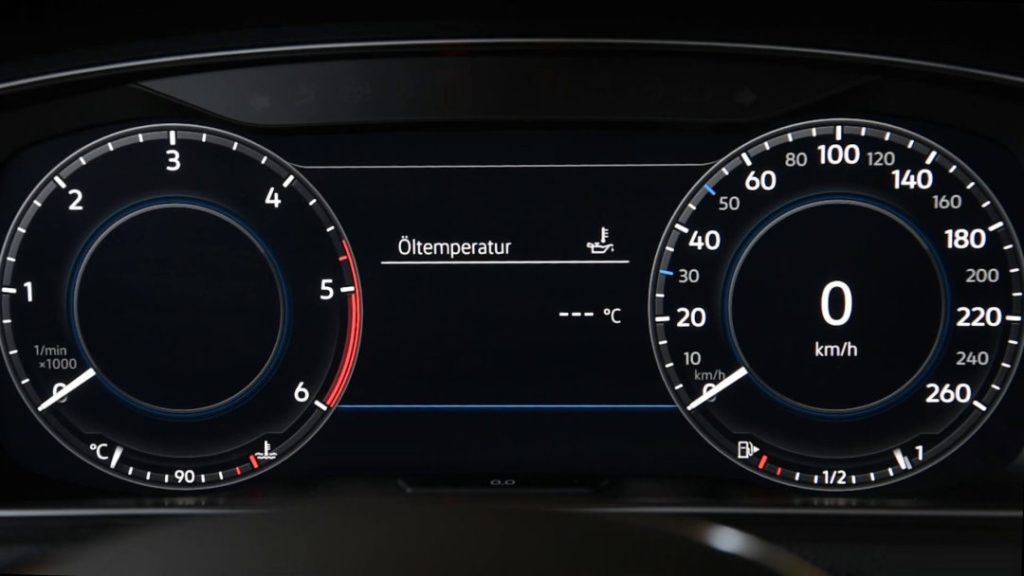
Variants 1, 2 and 4 = Empty black background
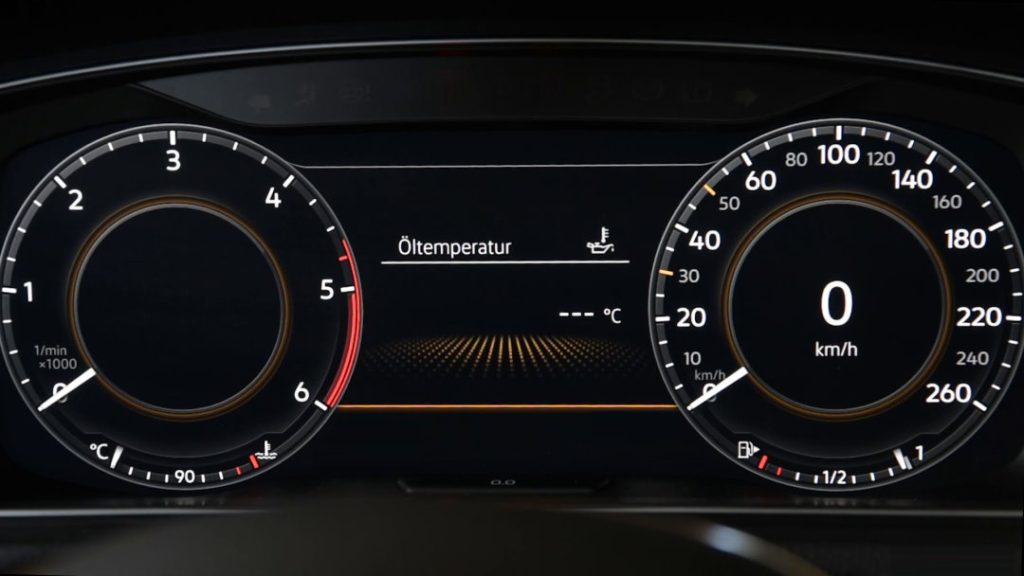
Variant 3 = Particle group with animation at menu changeover (with or without vehicle)
This post is also available in:
 Français (French)
