
MIB2 Code Calculator
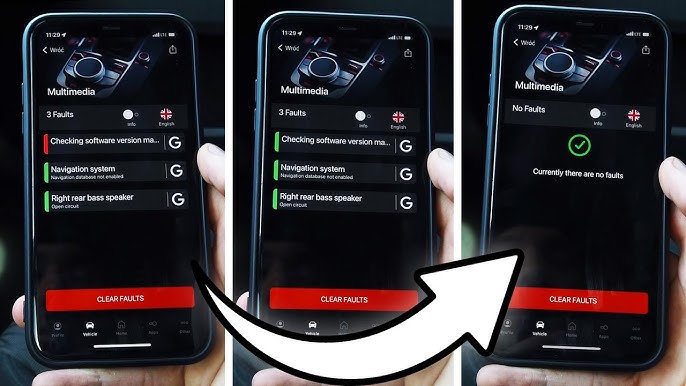
DTC 1555 / B201A – Check Software Version Management
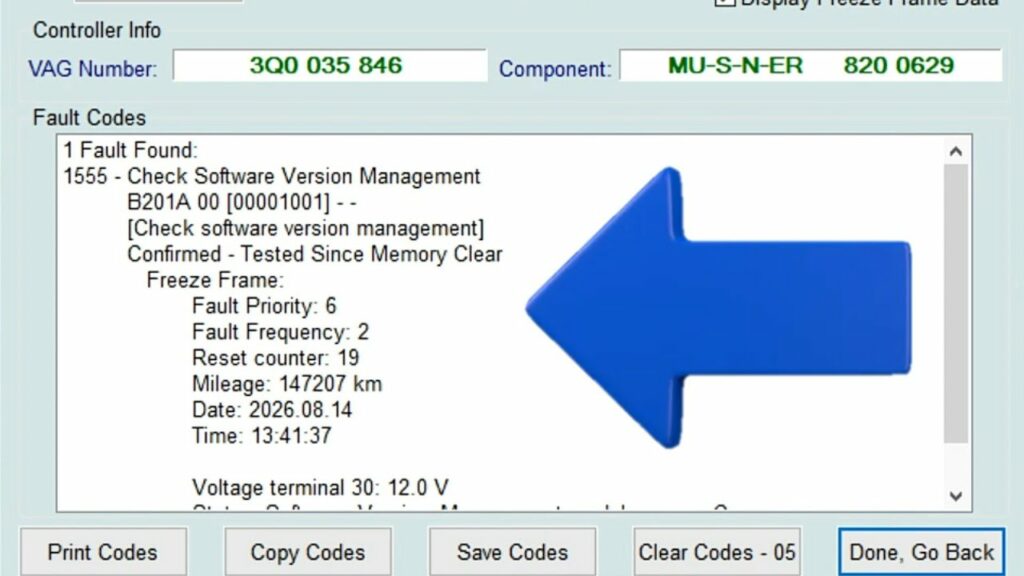
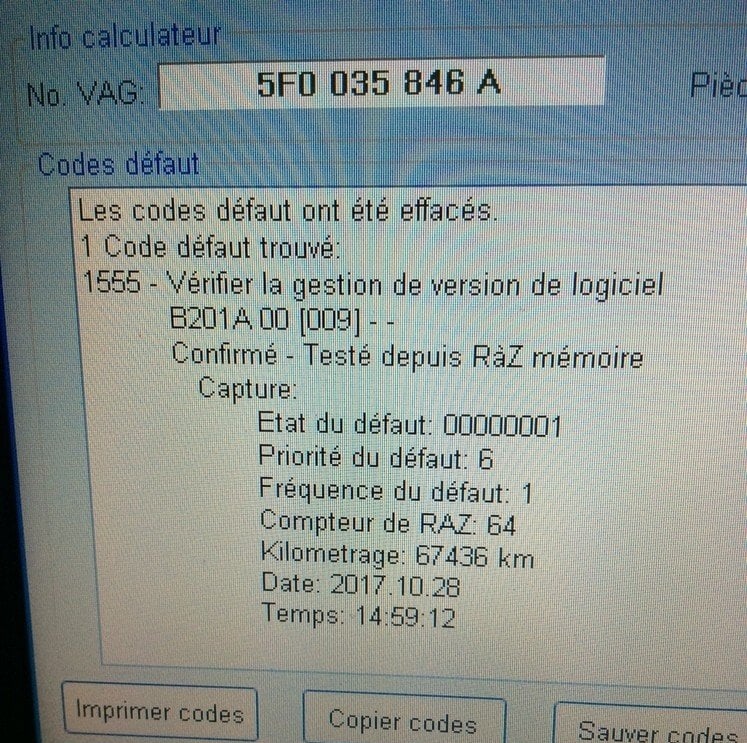
This tutorial explains how to generate the code needed to address DTC 1555 / B201A – Check Software Version Management on MIB2 systems.
This issue may occur, for example, after certain operations performed on the MIB2 infotainment system, such as a firmware update.
Proceed :
1 – Engine off, ignition off, connect your official VAG-COM VCDS cable to the computer, then plug the other end into your vehicle’s diagnostic socket or OBDeleven box.
2 – Switch on the ignition and run the VCDS program or the OBDeleven application.
3 – Click on“Select” then click on“5F – Electr. information”.
4 – Click on“Security Access – 16” then enter the code“20103”.
5 – Click on“Adaptation – 10”.
6 – On this page, at the very top, there is a drop-down menu.
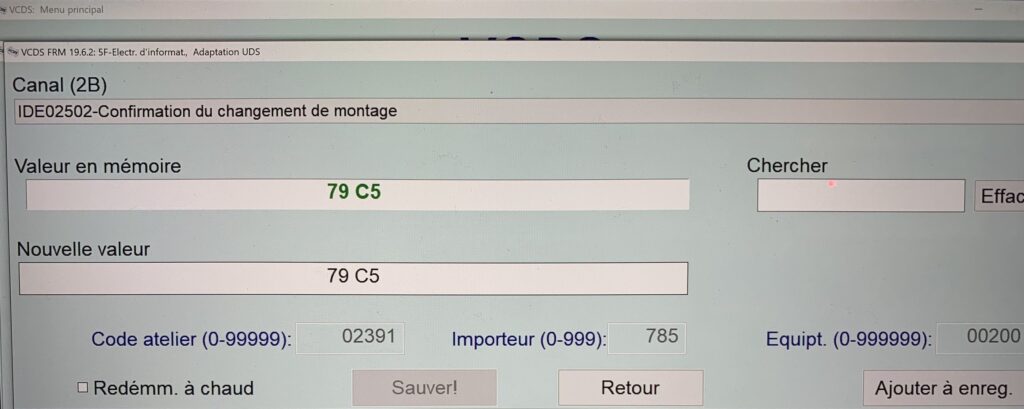
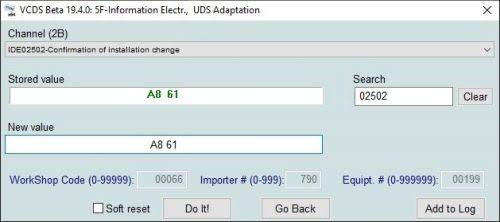
In this drop-down menu, select ” Confirmation of installation change “
7 – Note the value currently displayed.
Example: 40 C3
8 – Calculate the new code
Use the MIB2 code calculator above.
Enter the value you recorded in the ” Confirmation of Installation Change” field, then click ” Calculate Code.”
9 – Enter the new code
Go back to:
5F – Information Electronics → Adaptation → Confirmation of Installation Change
Replace the current value with the code obtained from the calculator.
Then confirm the change.
10 – Clear the error
Read the error codes from the 5F control module (Information Electronics) again.
The defect:
1555 / B201A – Check Software Version Management
can then be deleted.
Clear the errors, then run the scan again to make sure the error does not reappear.
⚠️ Warning:
After saving the new code, the value displayed in the “Confirmation of installation change” channel remains unchanged. It is therefore normal for the old code to still be displayed after confirmation.
The change is nevertheless taken into account by the computer. Do not repeat the procedure simply because the displayed value has not changed.
Instead , check to see if error 1555 / B201A – Check Software Version Management can now be cleared.
This procedure is intended for MIB2 systems affected by error 1555 / B201A.
The menus and customization options may vary depending on the vehicle model, multimedia system version, and firmware version.
Always note the original value before making any changes.
Related Tutorials
–> Activating App Connect for CarPlay/Android Auto
–> MST2, MHI2, and MIB2 Software Update
–> VAG GPS Navigation Update
This post is also available in:
 Français (French)
