
Purpose: To modify and customize ODB with a particle / checkerboard effect.
Note: Compatible with Golf 7 GTI / GTE / Clubsport / 7R (Phase 1, starting in 2016) and all Golf 7 facelift models with an analog speedometer on the color OBD screen!
Procedure:
1 – With the engine off and the ignition switched off, connect your official VAG-COM VCDS cable to the computer, then plug the other end into your vehicle’s diagnostic port.
2 – Turn on the ignition, then launch the VCDS program.
Line 1:
3 – Click on ” Select”, then click on ” 17- Instruments “.
4 – Click on ” Adaptation – 10 “.
5 – On this page, at the very top, there is a drop-down menu. In this drop-down menu, select the channel ” Displaydarstellung or Layout ” / ” Présentation or Affichage ” / “Display Depiction”.
6 – On the same page, you’ll find a second drop-down menu at the bottom
of the page.
On this menu, select“Version 3” and confirm.
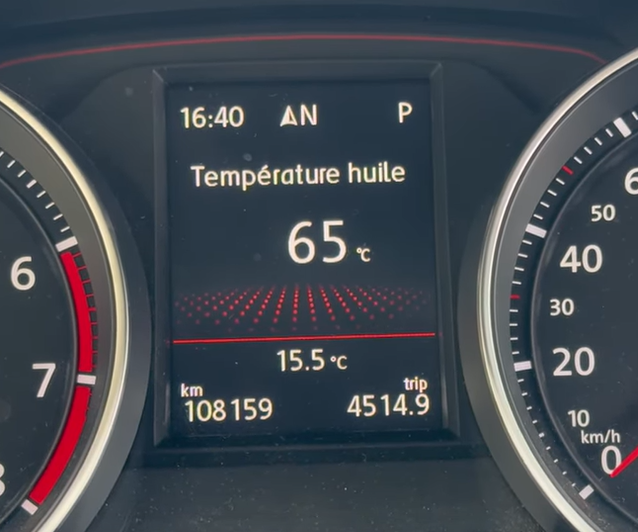
If your meter is not compatible (before 2016), select “Version 2” for ODB Carbone :
For Golf 7.5 Facelift :
This post is also available in:
 Français (French)
