
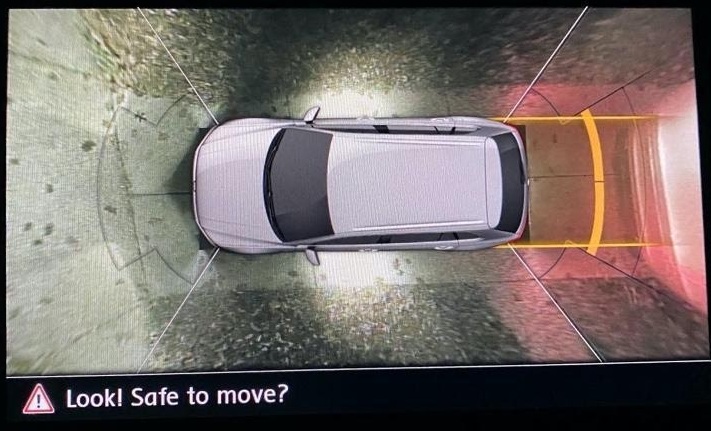
Purpose: Enables the proximity lights under the side mirrors during maneuvers with Area View 360, when light conditions are poor or at night. Compatible with 6C control module (Area View or High-Resolution Rearview Camera), with software version 0607 or higher.
Warning! There are 2 lines of coding to do here.
Proceed :
1 – Engine off, ignition off, connect your official VAG-COM VCDS cable to the computer, then plug the other end into your vehicle’s diagnostics socket.
2 – Switch on the ignition and run the VCDS program.
Line 1:
3 – Click on“Select”, then click on“09 – Cent. Elect.”.
4 – Click on“Security Access – 16” then enter the code“31347”.
5 – Click on“Adaptation – 10”.
6 – At the very top of this page, there is a drop-down menu.
From this drop-down menu, select “Aussenlicht_uebergreifend – Umfeldleuchte als Manoevrierleuchte.”
7 – On this same page there is a second drop-down menu, but towards the bottom
of the page.
On the latter, select ” Active “ and then confirm.
Line 2:
3 – Click “Select,” then click “6C – Rear View Camera / Area View.”
4 – Click on“Coding – 07” then click on“Long Coding Helper“.
5 – Select byte “08“
. Then check bit “2“: “Manoeuve Light“
This post is also available in:
 Français (French)
