
Purpose: Enables the USB port for iPhone CarPlay accounting (after activating SmartLink and changing the USB and/or USB cable) for MIB2s. (Retrofit)
For firmware references:
MST2_EU_SK_ZR_P02XXT
Modify the MIB2 coding to recognize the new USB port (USB connector part no. 5Q0 035 726 E) for both CarPlay and USB media playback. A key on the green USB connector must be modified so that it fits into the purple connector on the cable. After programming, restart the MIB2 (press and hold the Power button until it restarts) and use a USB data cable.
–> SmartLink Activation for CarPlay and Android Auto
–> USB/AUX Port for VW Golf 7 CarPlay Media MIB2 5Q0 035 726 E on VAG Custom
–> Ajouter CarPlay / Android Auto après activation Smart Link MIB2 2xxT
–> Disable MirrorLink
Proceed :
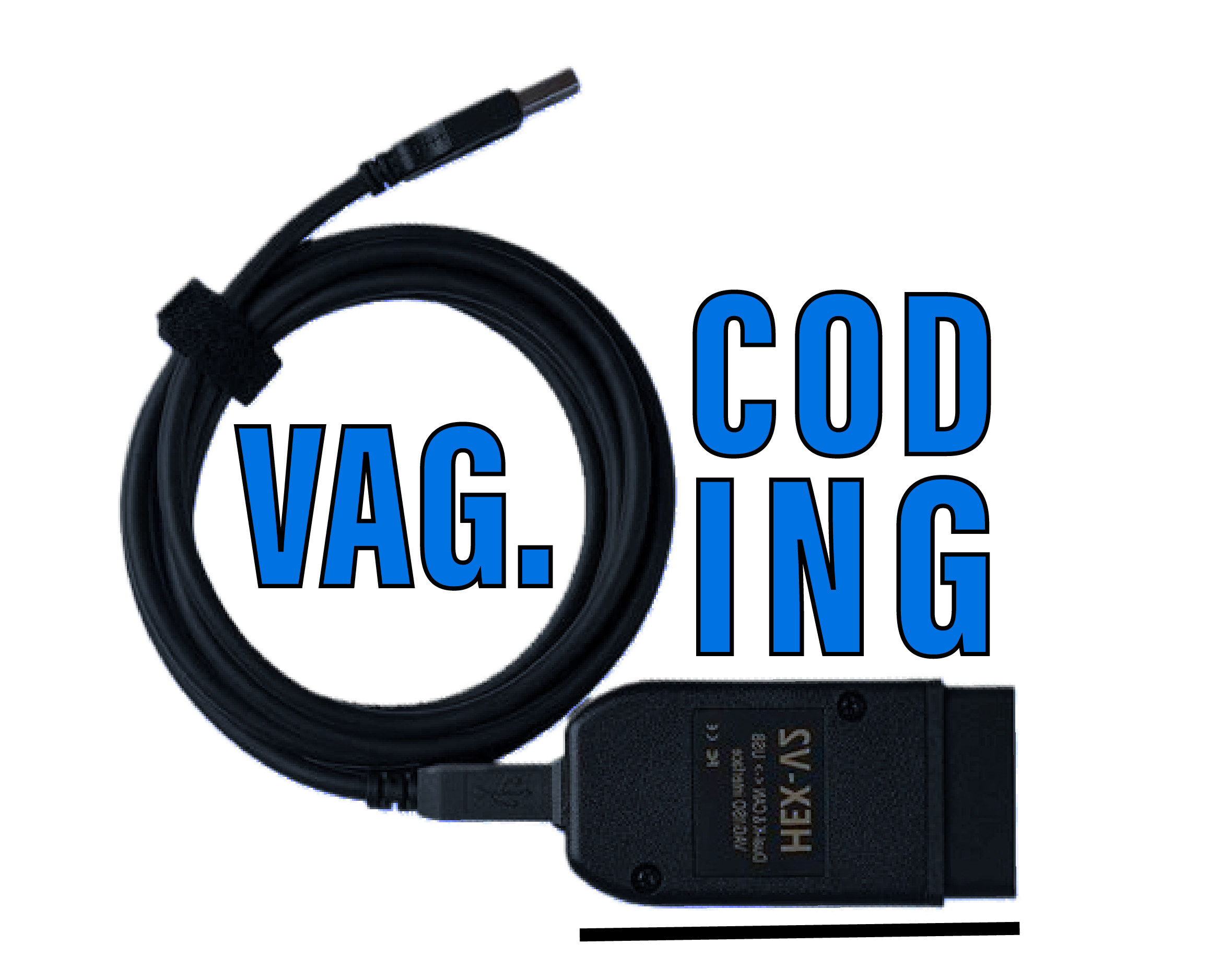
1 – Engine off, ignition off, connect your official VAG-COM VCDS cable to the computer, then plug the other end into your vehicle’s diagnostics socket.
2 – Switch on the ignition and run the VCDS program.
Line 1:
3 – Click on“Select” then click on“5F – Electr. information”.
4 – Click on“Codage- 07” then click on“Assistant Codage Long”.
5 – Select byte19“
Then check the “6-7” bit (C0 USB Configuration: USB and iPhone Functionality)
Line 2 (optional) :
3 – Click “Select,” then click “5F – Electrical Information.“
4 – Click “Security Access – 16,” then enter the code “20103“
5 – Click on“Adaptation – 10”.
6 – On this page, at the very top, there is a drop-down menu.
In this drop-down menu, choose “Interface for external media activation – connection 1“
7 – On this same page, there is a second drop-down menu at the bottom
of the page.
On this menu, choose the value “activated“
This post is also available in:
 Français (French)
