

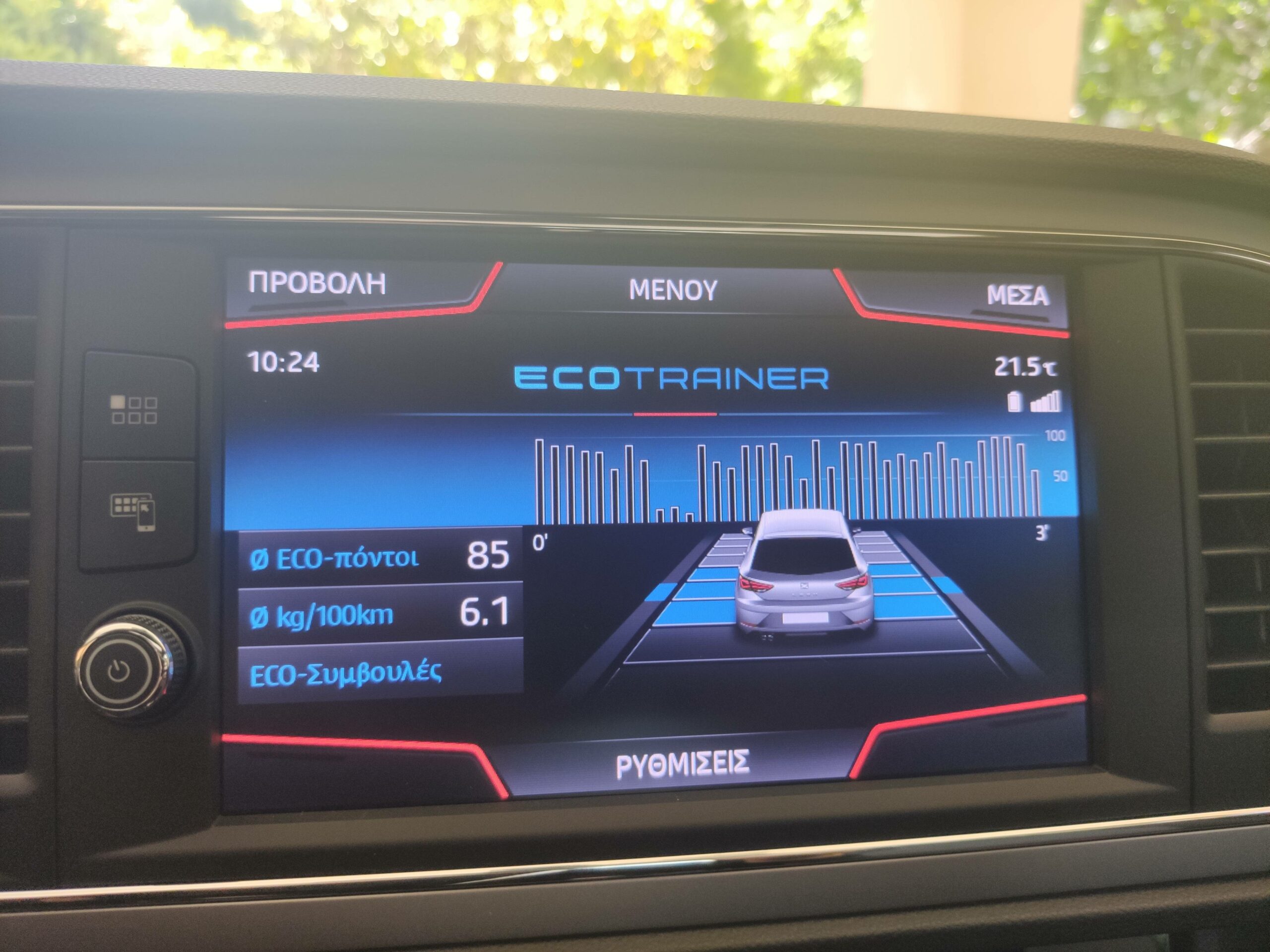
Purpose: Enables the “ECOTRAINER” mode: Displays the “ECO MODE” graph on the MIB2.
Warning! There are 2 lines of coding to do here.
Proceed :
1 – Engine off, ignition off, connect your official VAG-COM VCDS cable to the computer, then plug the other end into your vehicle’s diagnostics socket.
2 – Switch on the ignition and run the VCDS program.
Line 1:
3 – Click on“Select” then click on“5F – Electr. information”.
4 – Click on“Security Access – 16” then enter the code“20103”.
5 – Click on“Adaptation – 10”.
6 – On this page, at the very top, there is a drop-down menu.
In this drop-down menu, choose“Car_Function_Adaptations_Gen2-menu_display_user_eco_rating”.
7 – On this same page, there is a second drop-down menu, but it’s further down
on the page.
On the latter, choose the ” active ” value
Line 2:
3 – Click on ” Select ” then click on ” 5F – Information Electr. “.
4 – Click on ” Security Access – 16 ” then type the code ” 20103 “
5 – Cliquer sur “Adaptation – 10“
6 – Sur cette page, tout en haut, il y a un menu déroulant.
Dans ce menu déroulant, choisir “Car_Function_Adaptations_Gen2-menu_display_user_eco_rating_over_threshold_high“
7 – Sur cette même page ,se trouve un deuxième menu déroulant mais vers le bas
de la page.
Sur ce dernier, choisir la valeur “active“
This post is also available in:
 Français (French)
