
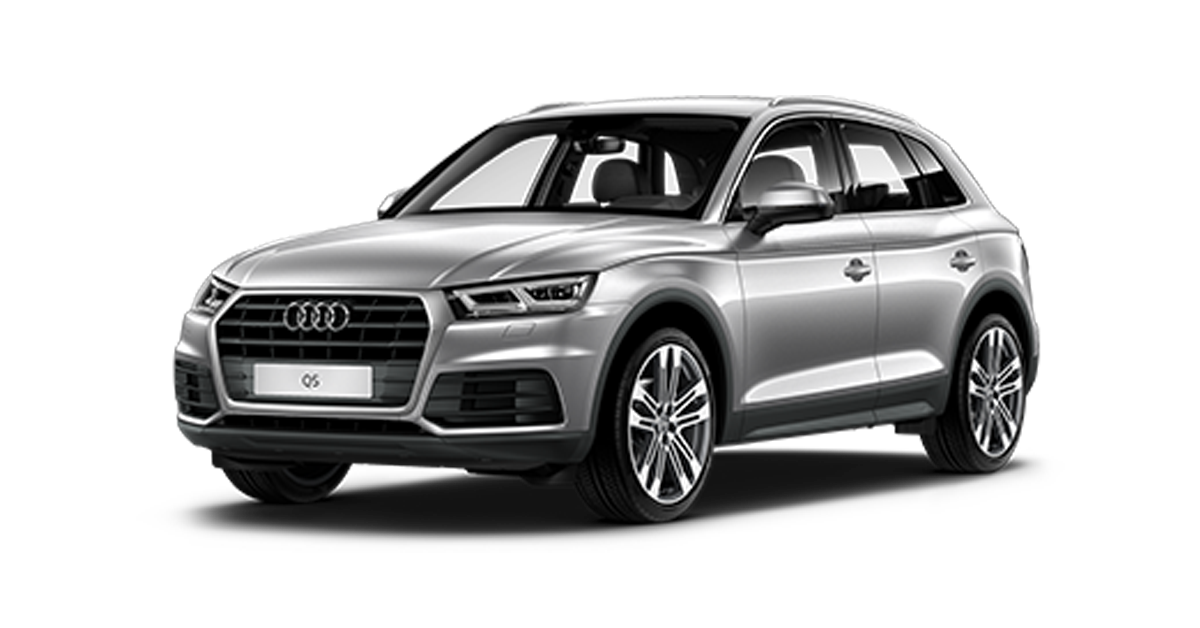
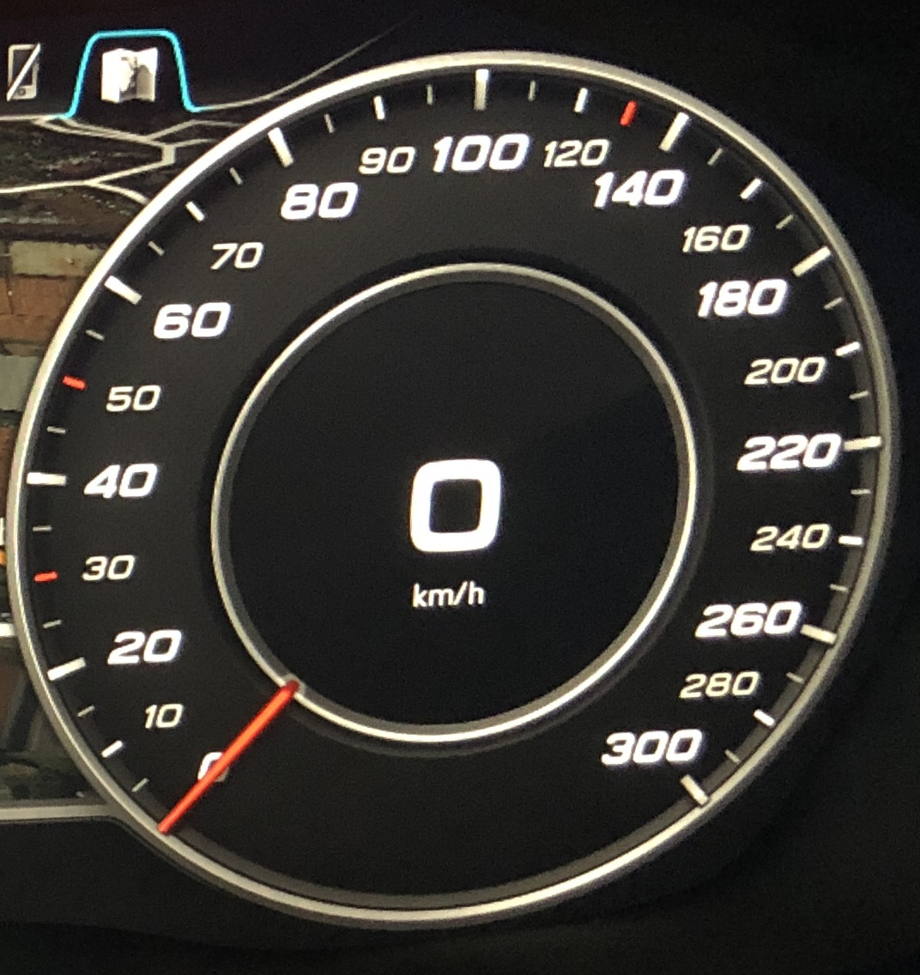
Purpose: Displays the intermediate km/h scale on the Virtual Cockpit speedometer. (Works only when the speedometer scale is set to km/h)
Proceed :
1 – Engine off, ignition off, connect your official VAG-COM VCDS cable to the computer, then plug the other end into your vehicle’s diagnostics socket.
2 – Switch on the ignition and run the VCDS program.
Line 1:
3 – Click on“Select”, then click on“17 – instruments“.
4 – Click on“Coding – 07“, then on“Long Coding Helper“.
5 – Select byte “18“
. Then check bit “1“: “Tachometer_erweiterte_Skalenteilung”
OBDeleven: Tachometer_advanced_scale_division -> yes
This post is also available in:
 Français (French)
