

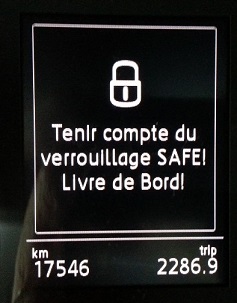
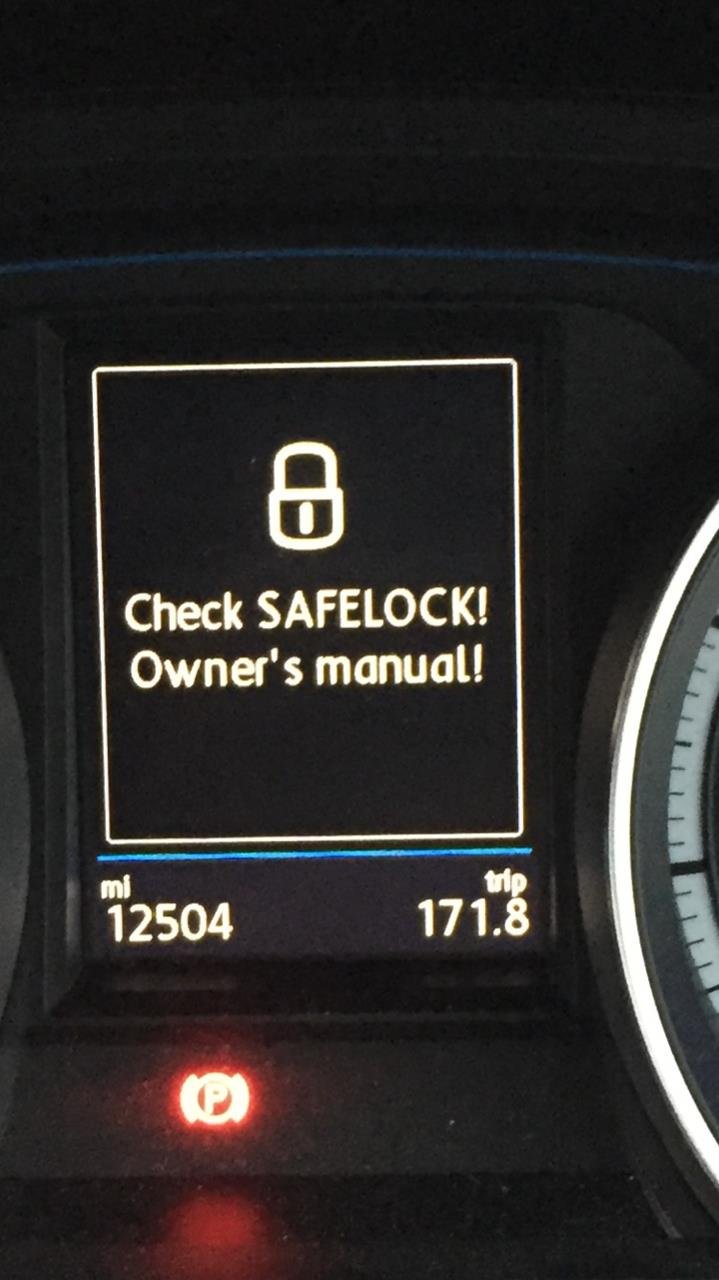
Purpose: Allows you to disable the SafeLock feature, displaying the warning message “Check SAFELOCK! Owner’s manual!” on the OBD display once the ignition is turned off. The vehicle can be unlocked from the inside even after being locked from the outside. (For A3 8V Phases 1 and 2)
Safelock is an anti-theft system that prevents thieves from gaining access to the car. This device locks the doors—both from the outside and the inside—when the driver activates the central locking remote control after leaving the vehicle.
If occupants are still inside, they cannot open the doors or even lower the windows. The car can then become a veritable trap.
Procedure:
1 – Engine off, ignition off, connect your official VAG-COM VCDS cable to the computer, then plug the other end into your vehicle’s diagnostics socket.
2 – Switch on the ignition and run the VCDS program.
For the A3 8V Phase 1:
3 – Click “Select,” then click ““09 – Cent. Elect.”“.
4 – Click on “Security Access – 16,” then enter the code “31347 “
5 – Click on “Coding – 07,” then click on “Long Coding Helper.”
6 – Select byte “08 “
Then check bit “6 ” Central Locking (CL) without SAFE function installed
For the A3 8V2 Facelift:
3 – Click on“Select”, then click on“09 – Cent. Elect.”.
4 – Click on“Security Access – 16” then enter the code“31347 “.
5 – Click on“Adaptation – 10 “.
6 – On this page, at the very top, there is a drop-down menu.
In this drop-down menu, choose “ ZV allgemein – ZV_ohne_Safe_Funktion”
7 – On this same page, there is a second drop-down menu at the bottom
of the page.
On this menu, select“installed” and confirm.
This post is also available in:
 Français (French)
