

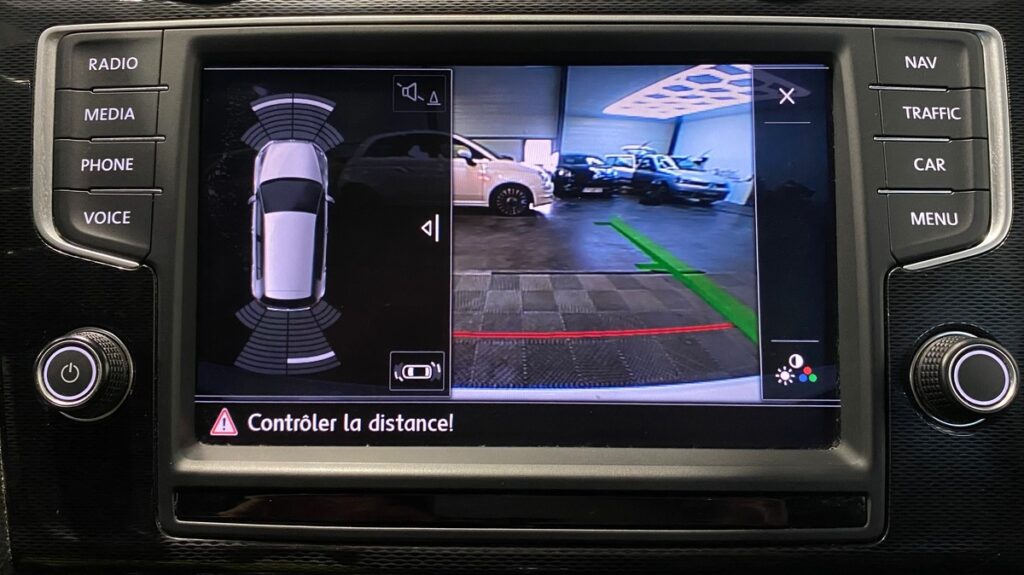
Purpose: Disables the message “Check Distance!” / “Please check surroundings” / “Look! Safe to move?” that appears on the Discover when parking in reverse.
Proceed :
1 – Engine off, ignition off, connect your official VAG-COM VCDS cable to the computer, then plug the other end into your vehicle’s diagnostics socket.
2 – Switch on the ignition and run the VCDS program.
Line 1:
3 – Click “Select,” then click “03 – ABS Brakes.”
4 – Click “Security Access – 16,” then enter the code “71679“
5 – Click on “Coding – 07”
6 – Click “ Long Coding Helper.”
7 – Select Byte 01
Clear bit 5
This post is also available in:
 Français (French)
