

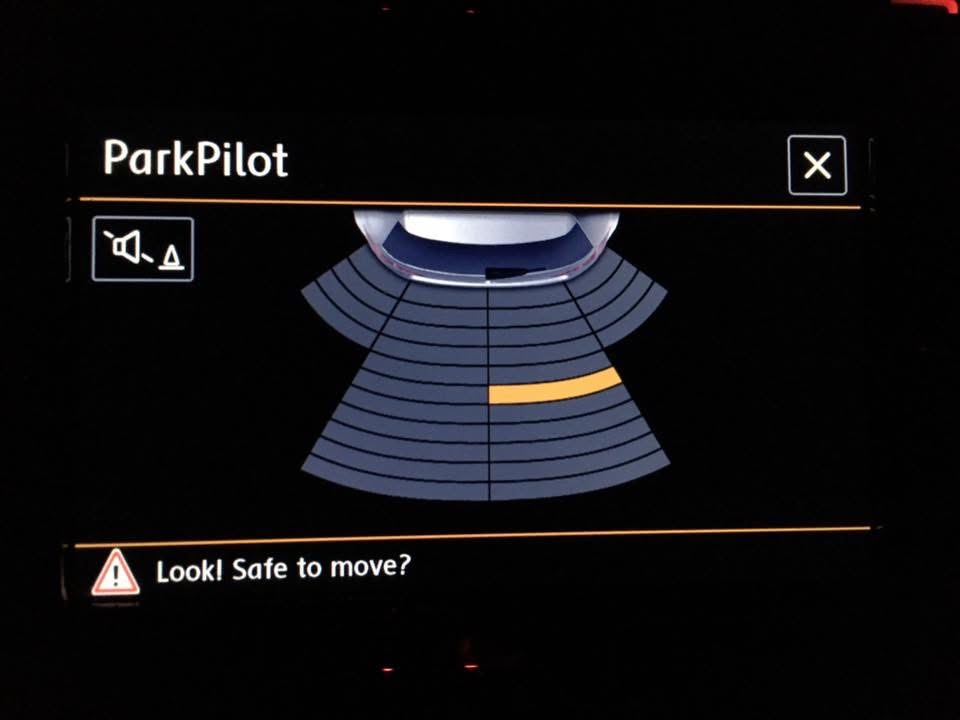
Purpose: to change the vehicle image of the OPS (parking aid) on the RCD 510/330/360/440 and RNS 315/510.
Procedure:
1 – With the engine off and the ignition off, connect your official VAG-COM VCDS cable to the computer, then connect the other end to your vehicle’s diagnostic port.
2 – Turn on the ignition, then launch the VCDS program.
Line 1:
3 – Click “Select,” then click “37 – Navigation ” (RNS) or “56 – Radio” (RCD)
4 – Click “Encoding 07,” then ” Long Coding Helper “
5 – Choose Byte 6 or 9
Select the vehicle from the drop-down menu :
00 = via CAN
01 = Polo 6R
02 = New Beetle
03 = New Beetle Cabrio
04 = Scirocco
05 = Golf 5
06 = Jetta
07 = Golf 6 Variant
08 = Golf 6 Cabrio
09 = Touran
0A = Golf Plus
0C = Tiguan
0D = Sharan
0E = EOS
0F = Passat 3C
10 = Passat Limousine
11 = Passat Variant
13 = Caddy
14 = T5
2C = Skoda Octavia
2D = Skoda Octavia Kombi
2E = Skoda Superb Kombi
Exit the module and save the changes. You must now restart the RCD or RNS for the changes to take effect. Press and hold the two arrows and the star for 6 seconds.
This post is also available in:
 Français (French)
