Purpose: activates the IQ.LIGHT headlamp presentation mode when the ignition is switched on or the engine started, to create a dynamic light animation (showroom effect).
SFD: yes
Procedure:
1 – Engine off, ignition off, connect your official VAG-COM VCDS cable to the computer, then plug the other end into your vehicle’s diagnostics socket or your OBDeleven box.
2 – Switch on the ignition and run the VCDS program. or the OBDeleven application. Procedure: 1 – Engine off, ignition off, connect your official VAG-COM VCDS cable to the computer, then plug the other end into your vehicle’s diagnostics socket.
Line 1:
3 – Click on“Select” then click on“4B – Multifunction Module“.
4 – Unlock the SFD protection.
5 – Click on“Adaptation – 10“.
6 – On this page, at the very top, there is a drop-down menu.
In this drop-down menu, select the “Reference_Run_Start_Condition” channel.
7 – On this same page, there’s a second drop-down menu at the bottom
of the page.
On this, select“Motorstart / “Klemme 15” when turning on the ignition“, then confirm.
Line 2:
3 – Click on“Select” then click on“4B – Multifunction Module“.
4 – Unlock the SFD protection.
5 – Click on“Adaptation – 10“.
6 – On this page, at the very top, there is a drop-down menu.
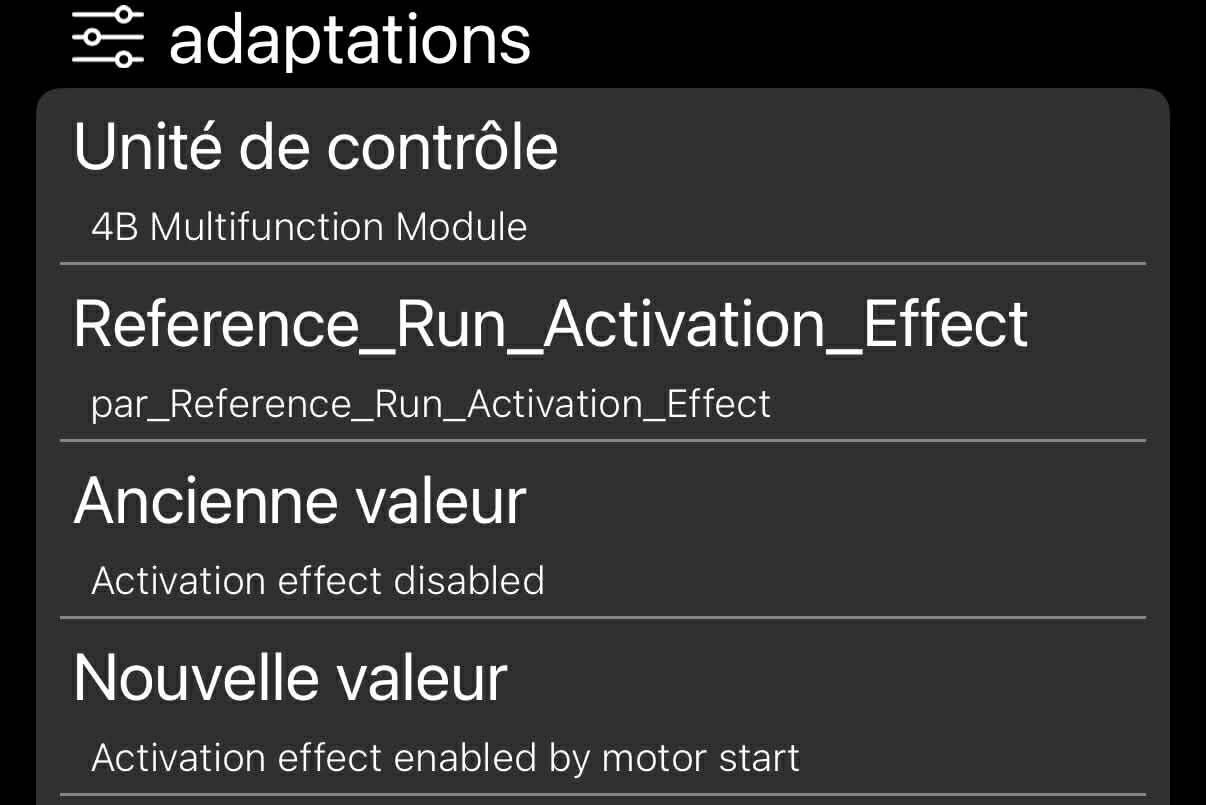
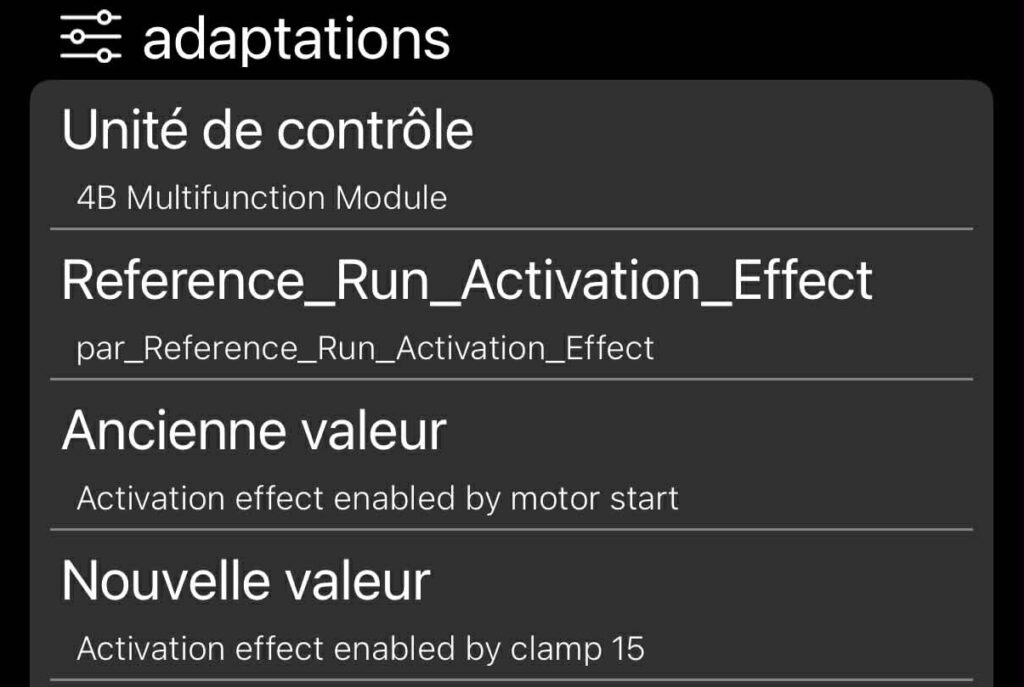
In this drop-down menu, select the “Reference_Run_Activation_Effect” channel.
7 – On this same page, there is a second drop-down menu, at the bottom
of the page.
On this menu, select“Activation effect enabled by motor start” to activate when the motor is started, or“Activation effect enabled by clamp 15” to activate when the ignition is switched on, then confirm.