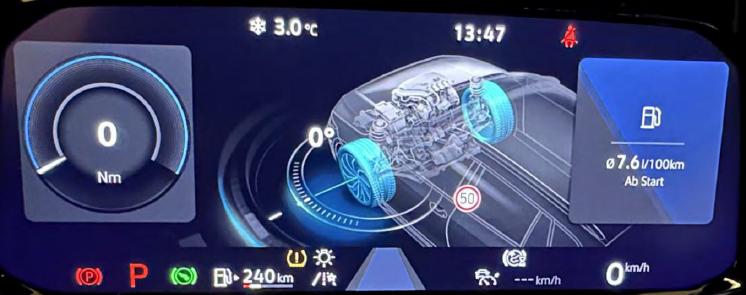
Purpose: to modify and customize the Active Info Display / Virtual Cockpit (AID). Depending on the setting, the counter display is different.
SFD : non
Procedure:
1- Engine off, ignition off, connect your official VAG-COM VCDS cable to the computer, then plug the other end into your vehicle’s diagnostics socket or your OBDeleven box.
2- Switch on the ignition and run the VCDS program. or the OBDeleven application.Procedure: 1 – Engine off, ignition off, connect your official VAG-COM VCDS cable to the computer, then plug the other end into your vehicle’s diagnostics socket.
Line 1:
3 – Click on ” Select”, then click on ” 17- Instruments “.
4 – Click on “Adaptation – 10”.
5 – At the very top of this page, there is a drop-down menu. From this drop-down menu, select the ” View Validation ” / ” View Activation ” channel
6 – Under the ” Value: ” option, select one of the variants (you can enable all of them and then select one using the “View” button on the steering wheel)
Variant 6: Additional views AID
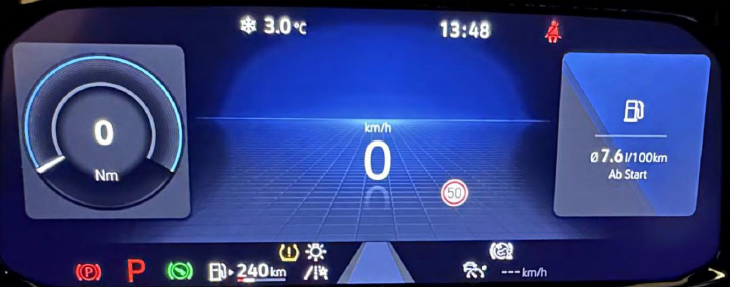
Variant 7: Golf 8 GTE AID
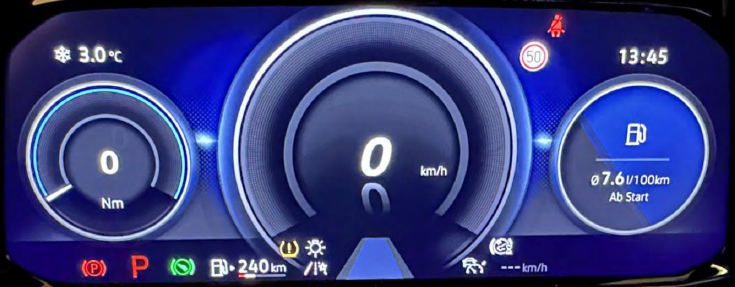
Variant 8: Golf 8 GTI AID
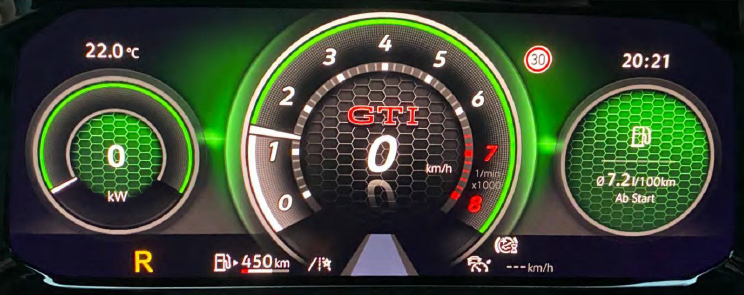
Variant 9: Golf 8 R AID
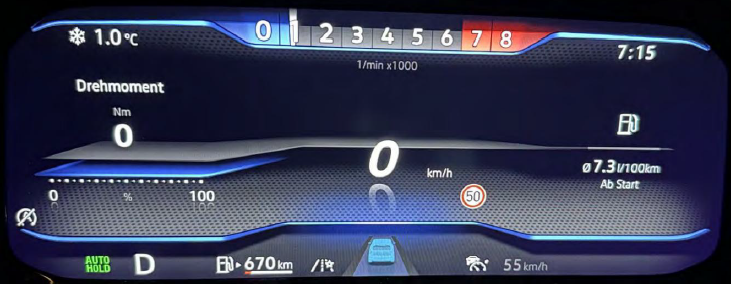
Variant 10: Offroad AID