

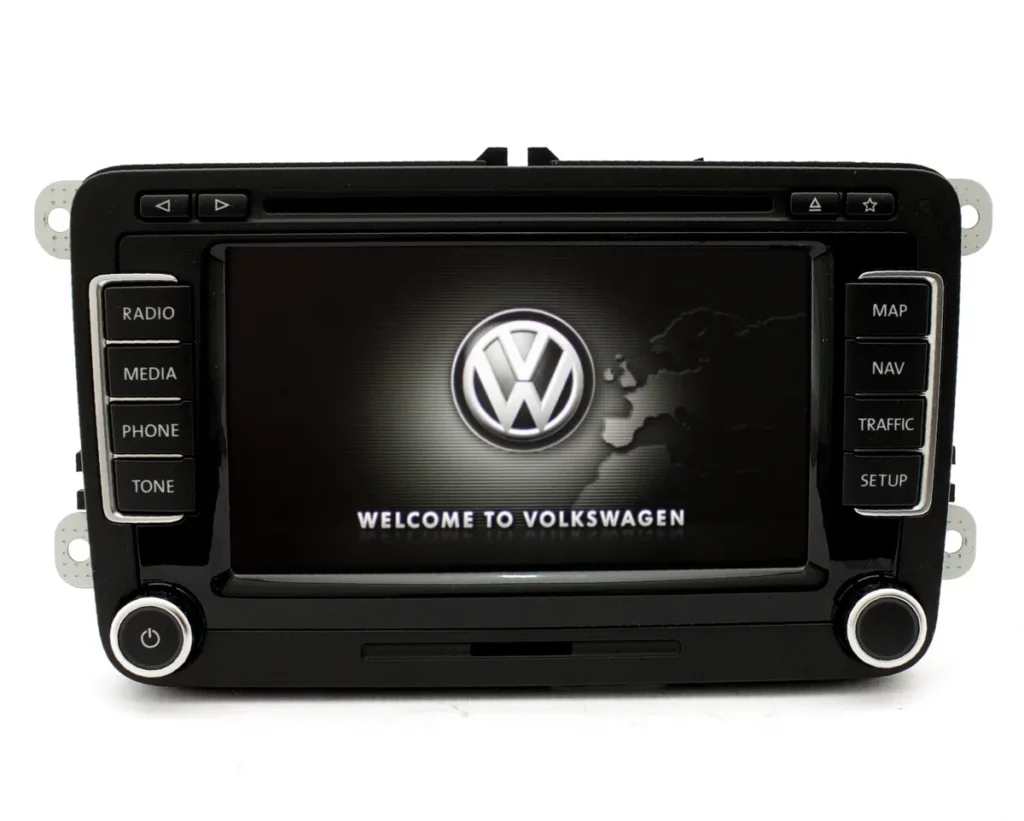
Purpose: Enables Bluetooth installation for the RCD 510 / RNS 510 after retrofitting the module under the passenger seat.
Two different modules are available: Standard (just call) and Premium (call and AD2P music).
Procedure:
1 – With the engine off and the ignition off, connect your official VAG-COM VCDS cable to the computer, then connect the other end to your vehicle’s diagnostic port.
2 – Turn on the ignition, then launch the VCDS program.
Line 1 (Enabling Bluetooth in the Gateway):
3 – Click on“Select”, then click on“19-Gateway CAN”.
4 – Click on“Installation List”.
5 – Check ” 77- Telephone
Click on “Save coding
Line 2 (French selection) :
3 – Click on“Select”, then click on“77 – Telephone“.
4 – Click on“Coding 07”.
5 – Select Byte 0
Bit 0-7: Select “03 Default Language: French ” “.
Line 3 (Enable Bluetooth Audio (AD2P)):
3 – Click on“Select”, then click on “77 – Telephone”.
4 – Click on“Coding 07”.
5 – Select Byte 4
Bit 0: Uncheck “Multimedia Function (Bluetooth Audio) inactive”.
Switch the ignition off and on again. Bluetooth is activated in the ODB. Enter password (“0000” by default)
Activate Bluetooth on your phone and search the ODB; your phone will appear on the ODB
Start connection with your phone and accept pairing.
This post is also available in:
 Français (French)
