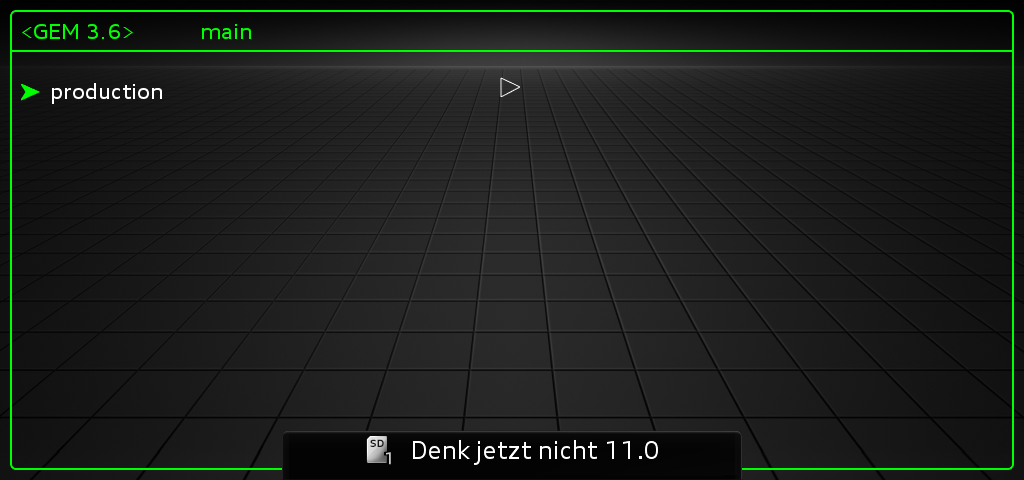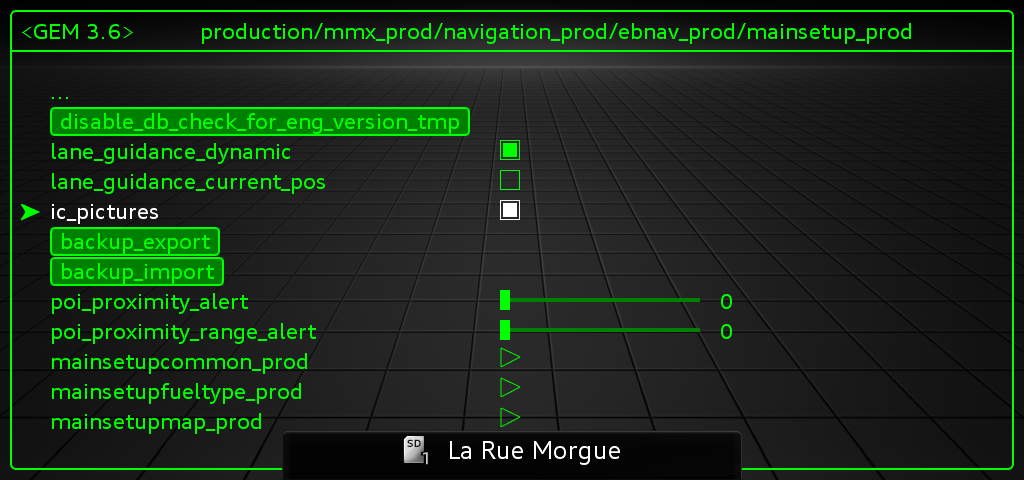
Purpose: to activate the MMI’s hidden menu (Hidden Menu / Green Menu / Menu Engineering).
Procedure:
1 – With the engine off and the ignition switched off, connect your official VAG-COM VCDS cable to the computer, then plug the other end into your vehicle’s diagnostic port.
2 – Turn on the ignition, then launch the VCDS program.
Line 1:
3 – Click “Select,” then click “ 5F – Electrical Information“.
4 – Click on ” Adaptation – 10“.
5 – Click “Security Access – 16,” then enter the code “S12345“
6 – Select “Developer Test Mode” or “Developer Mode” or “Entwicklermodus” and then enable it.
No need to restart the MMI.
To open the hidden menu with NAV/MAP (or CAR) and RADIO. First press and hold NAV/MAP (or CAR), then press RADIO and wait 5 seconds. .