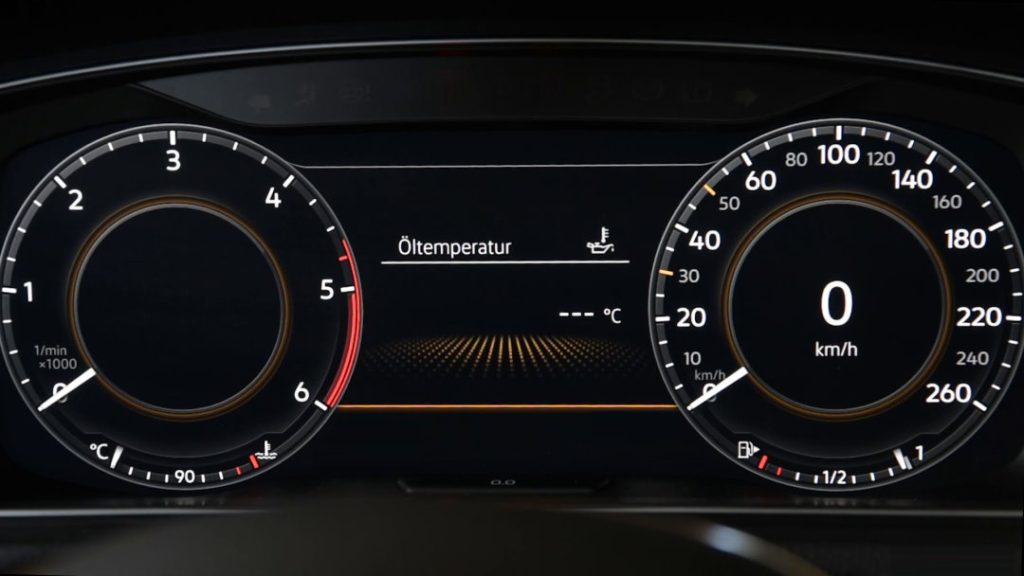
Purpose: To modify and customize the Active Info Display / Virtual Cockpit / ODB with a particle / checkerboard effect.
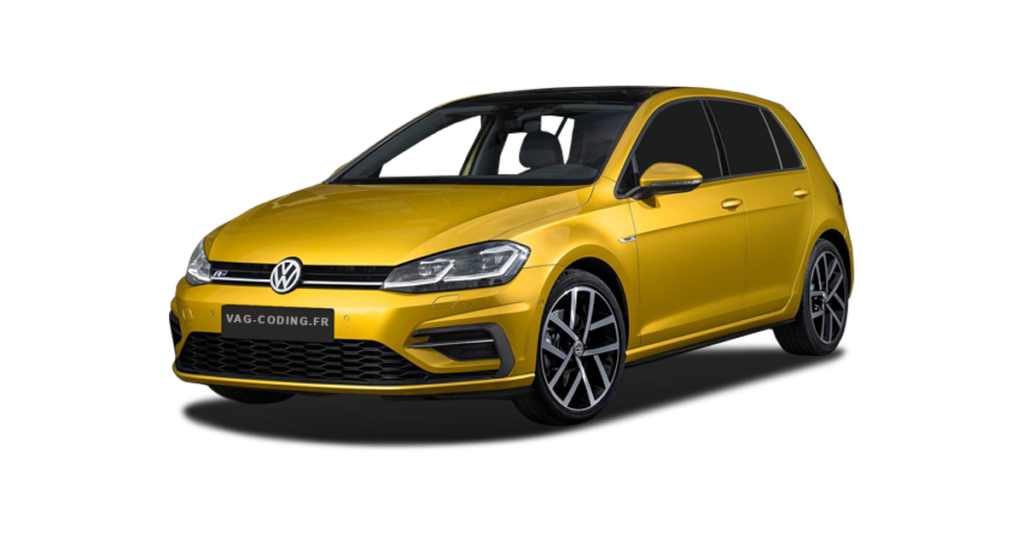
Information: Compatible with Golf 7 GTI / GTE / Clubsport / 7R (phase 1 from 2016) and all Golf 7 facelifts with needle counter on ODB display!
Procedure:
1 – Engine off, ignition off, connect your official VAG-COM VCDS cable to the computer, then plug the other end into your vehicle’s diagnostics socket.
2 – Switch on the ignition and run the VCDS program.Procedure: 1 – Engine off, ignition off, connect your official VAG-COM VCDS cable to the computer, then plug the other end into your vehicle’s diagnostics socket.
Line 1:
3 – Click on ” Select”, then click on ” 17- Instruments “.
4 – Click on ” Adaptation – 10 “.
5 – On this page, at the very top, there is a drop-down menu. In this drop-down menu, select the channel ” Displaydarstellung or Layout ” / ” Présentation or Affichage ” / “Display Depiction”.
6 – In the ” Value: ” option, choose one of the 4 variants
Variants 1, 2 and 4 = Empty black background
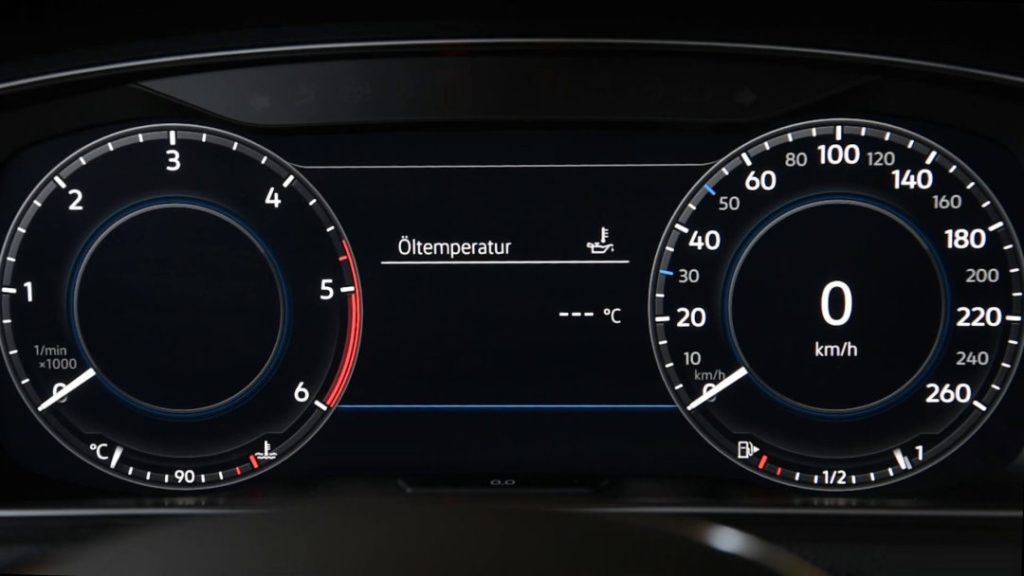
Variant 3 = Particle group with animation at menu changeover (with or without vehicle)